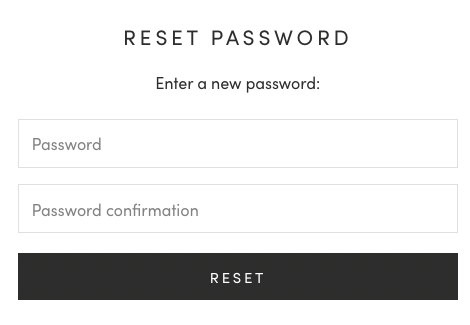
How to reset your Glamnetic account passwordUpdated 3 months ago
Here are the steps on how to reset your password:
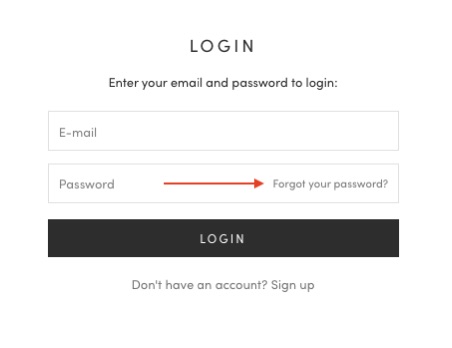
1. Go to Glamnetic.com and click Sign In.

2. Click Forgot Password?
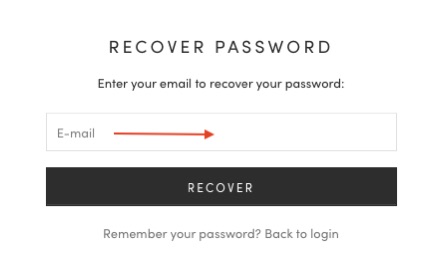
3. Enter the email address linked to your account, then click Recover.
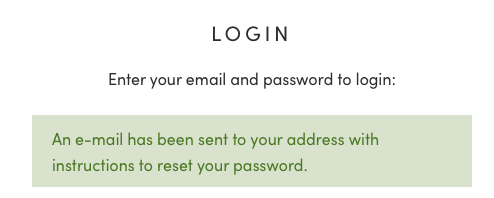
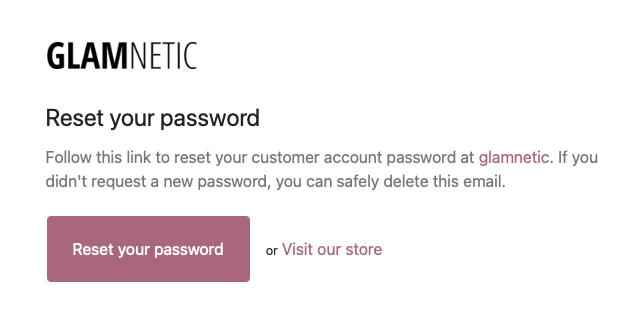
4. A password reset email will be sent to your inbox.
5. Open the email and click Reset your password.
6. You will be redirected to a page where you can create a new password.