
How do I unsubscribe sooner?Updated 19 days ago
Here are the simple steps to cancel your subscription:
1. Log in to your account HERE.
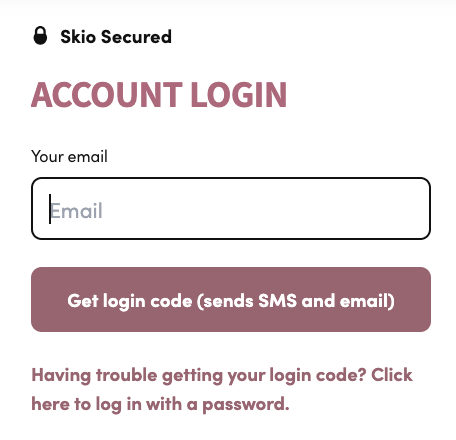
2. Enter the email address associated with your subscription, then click Get login code (sends SMS and email).
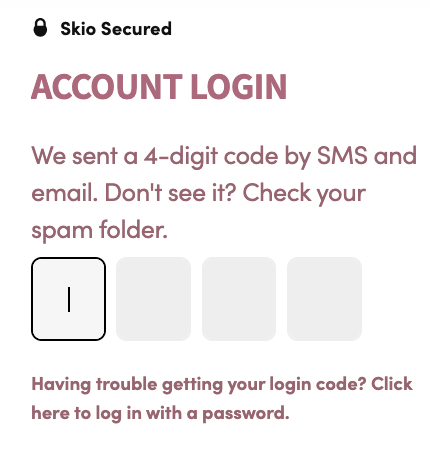
3. Check your SMS and email for a 4-digit code, then input the code where prompted to complete the process.
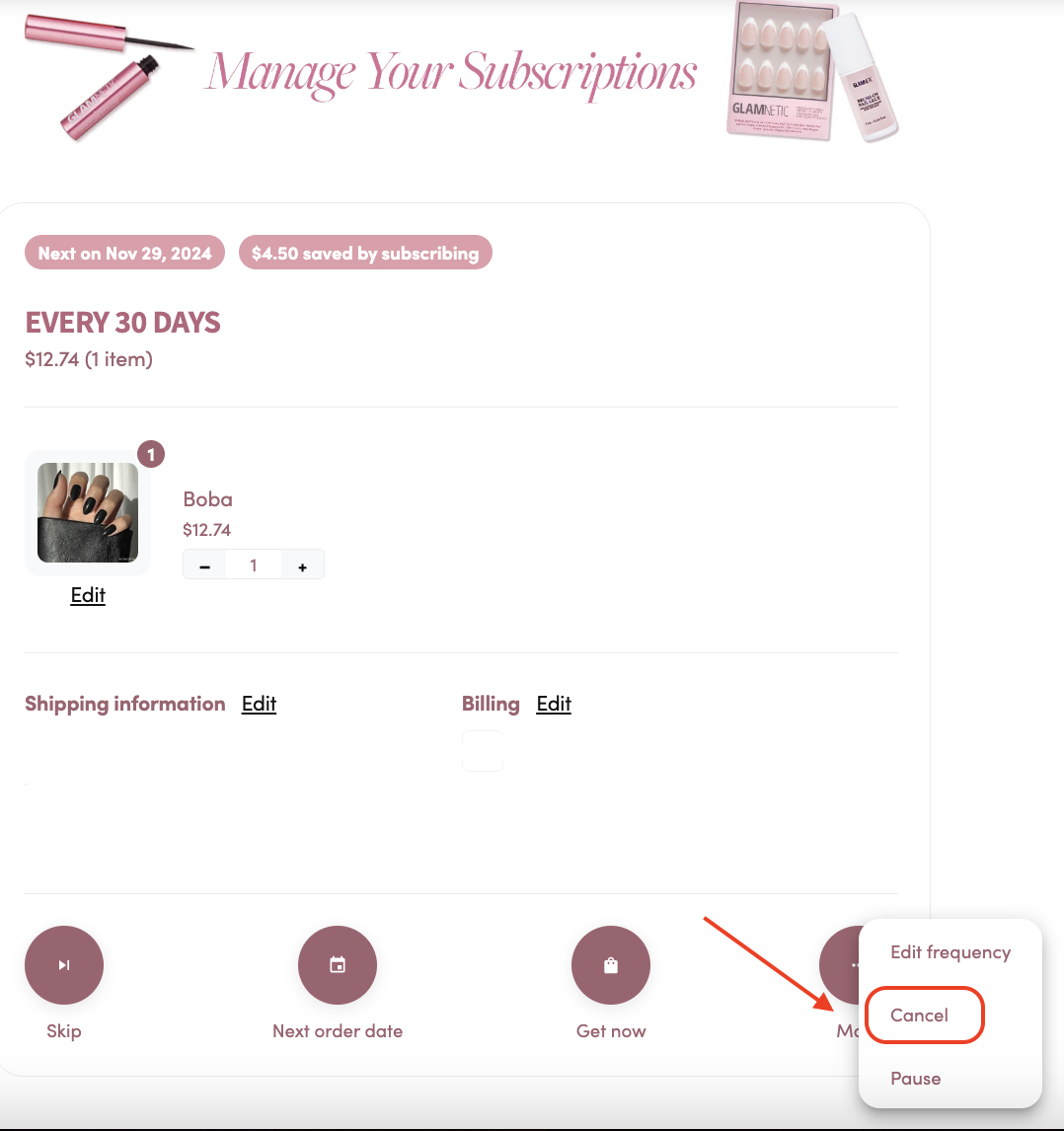
4. Once you’re logged in, select More, then choose Cancel in the pop-up window.
Need help? If you’re unable to cancel through your account or run into any issues, please reach out to our team, and we’ll be happy to help cancel it for you.