How do I redeem my store credit?Updated 2 months ago
There are two ways to redeem your store credits. Choose whichever works best for you!
Option 1: Redeem Through Your Account
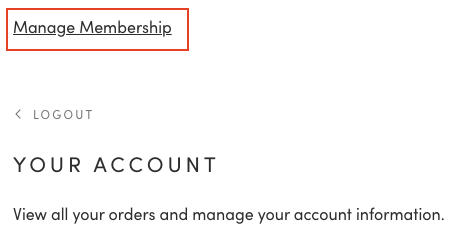
- Sign in to your Glamnetic account and click on Manage Membership.
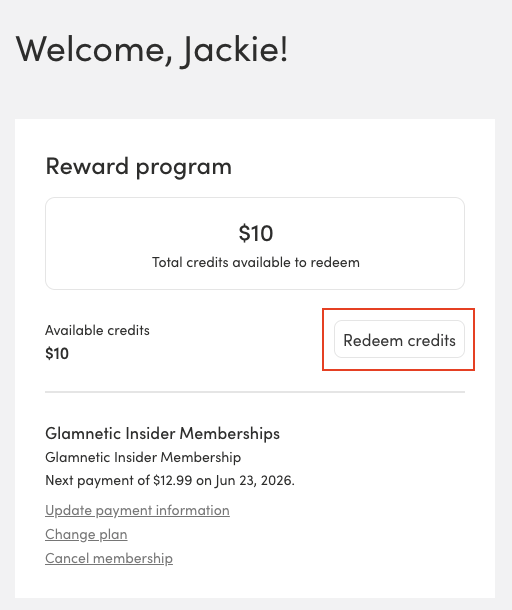
- Click on Redeem Credits and select the amount of store credit you'd like to use. Then click on Generate Code.
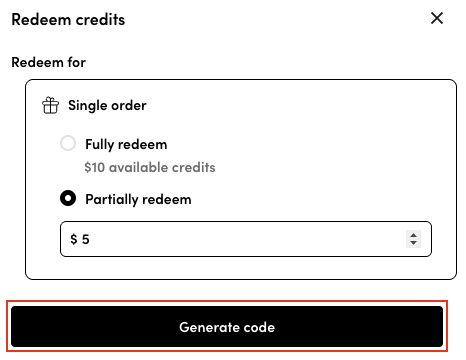
- A unique code will be generated. Copy it.
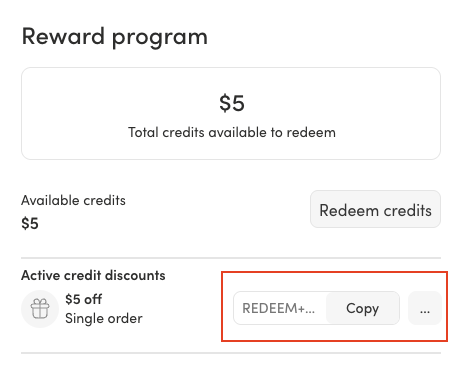
- Apply the code at checkout to redeem it.
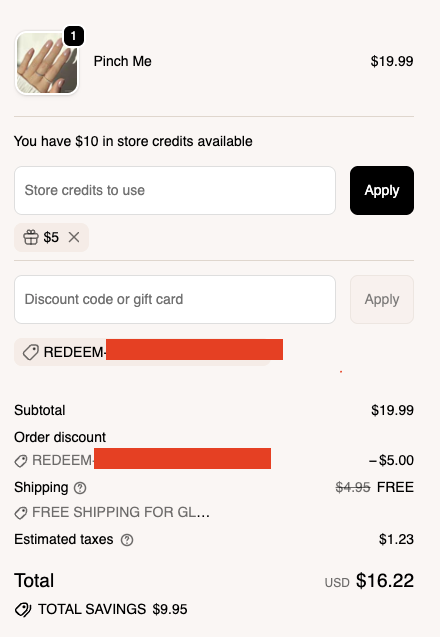
Option 2: Redeem Directly at Checkout
- At checkout, enter the amount of store credit you'd like to use in the "Store credits to use" field and click Apply. A code will be automatically generated, appear in the "Discount code or gift card" section, and be applied to your order, with the redeemed amount deducted from your order total.
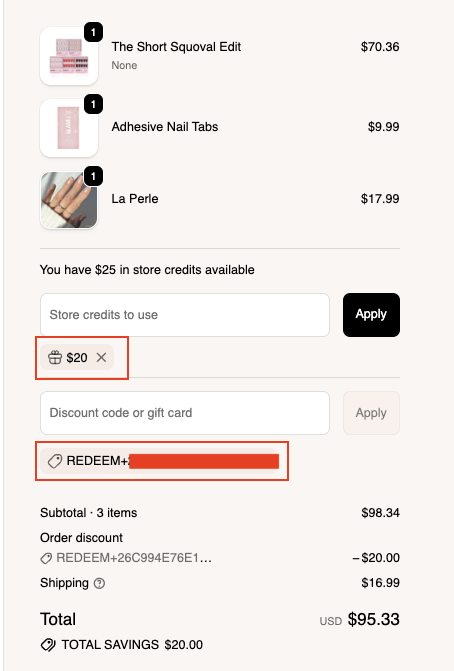
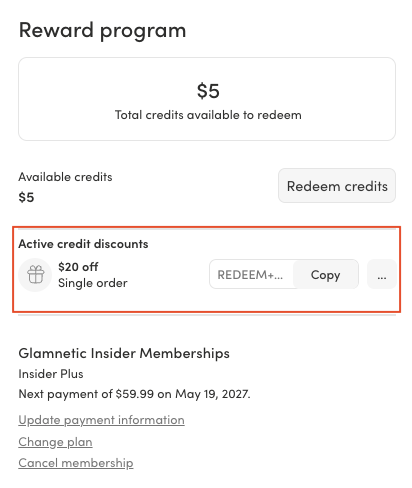
- You'll also see this code reflected under Active credit discounts in your Reward Program page, so you can keep track of it anytime.