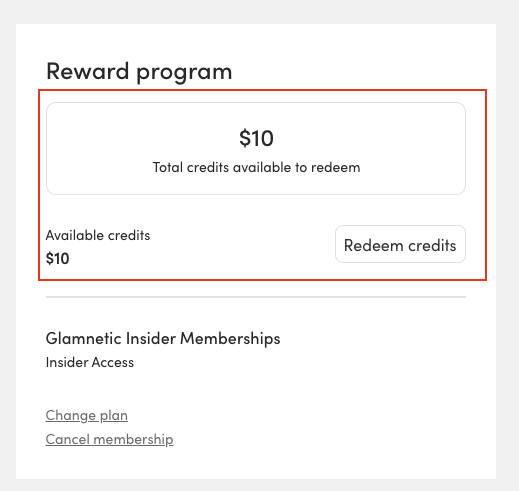
How do I cancel my active credit discount?Updated 2 months ago
If you've generated a store credit discount code that you no longer need, you can cancel it directly from your account. Just follow the steps below:
Option 1: Redeem Through Your Account
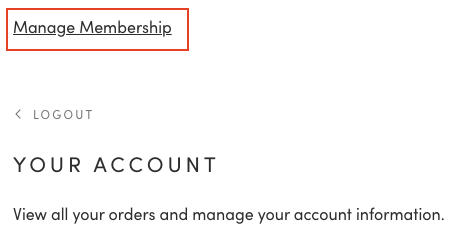
- Sign in to your Glamnetic account and click on Manage Membership.
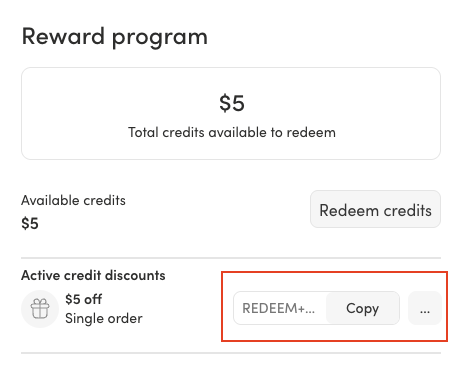
- Click the three dots (⋯) next to the discount code you'd like to cancel.
- Then click Delete Discount.
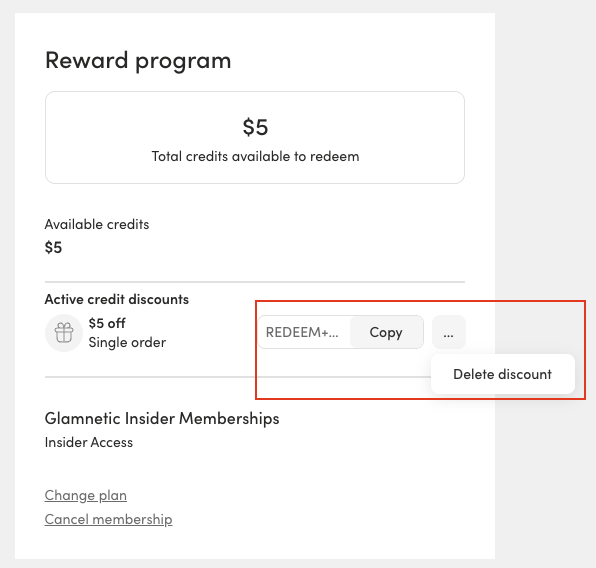
- The code will be removed from your Active credit discounts list, and the store credit will become available to redeem again with a new code.